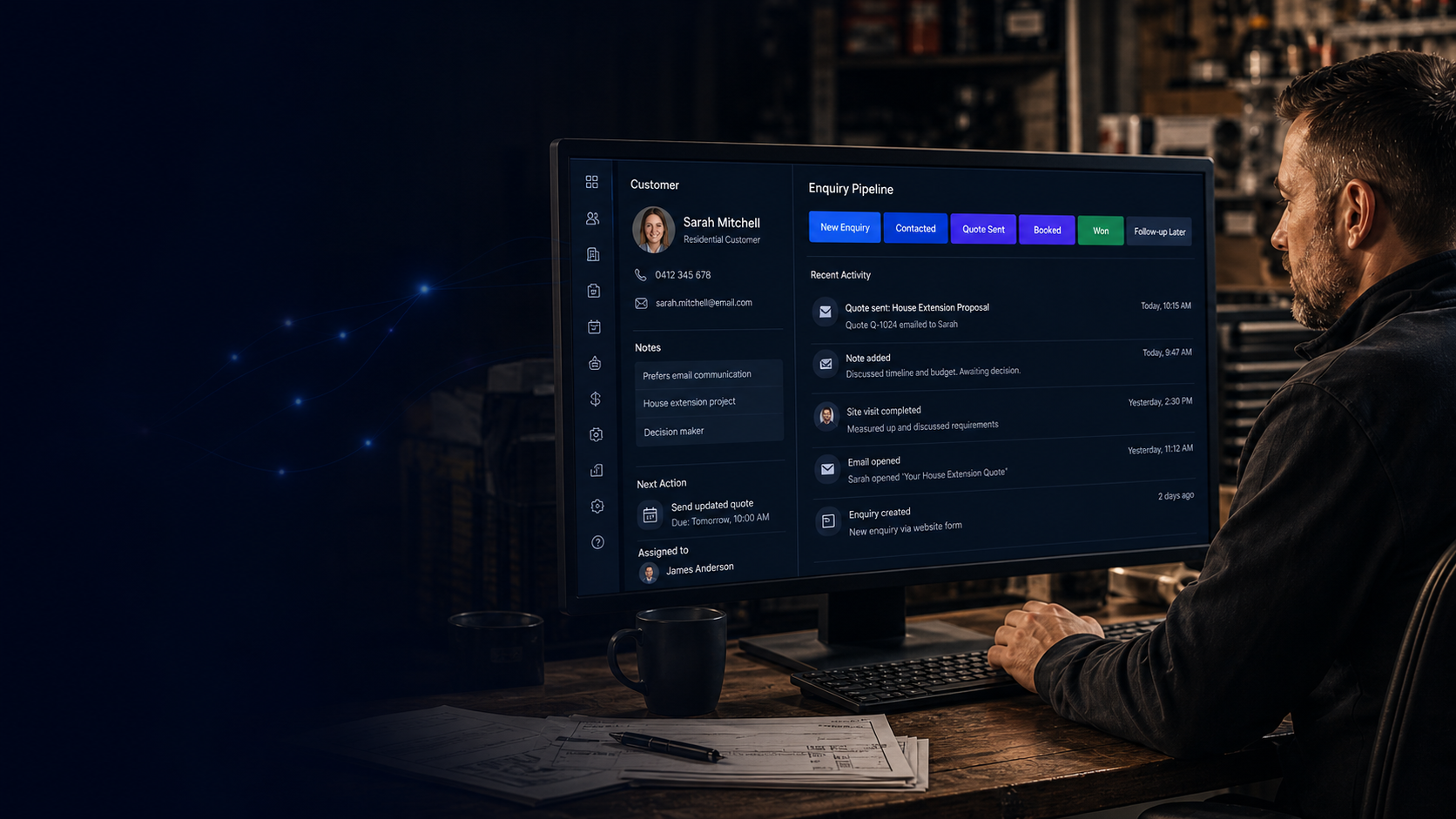
Website enquiries into one place
When someone submits a form, the right details flow into a record your team can find again.


Digital Studio
CRM stands for Customer Relationship Management: a shared place to record who enquired, what they asked for, what was promised, and what should happen next. Intelixa helps you connect website interest into a simple, workable process, without making the setup bigger than it needs to be.
We keep the setup practical: enquiries come into one clear place, the right person can see what needs doing, and follow-up is easier to manage.
Customer Relationship Management, usually shortened to CRM, is a simple way to keep track of enquiries, customers, conversations and next steps.
Instead of details sitting across emails, notebooks, memory and shared inboxes, a CRM gives your team one clear place to see who got in touch, what they need, what has happened, and what should happen next.
A good setup can connect website enquiries into customer records, show where each enquiry is up to, and help your team manage calls, quotes, visits and follow-up.
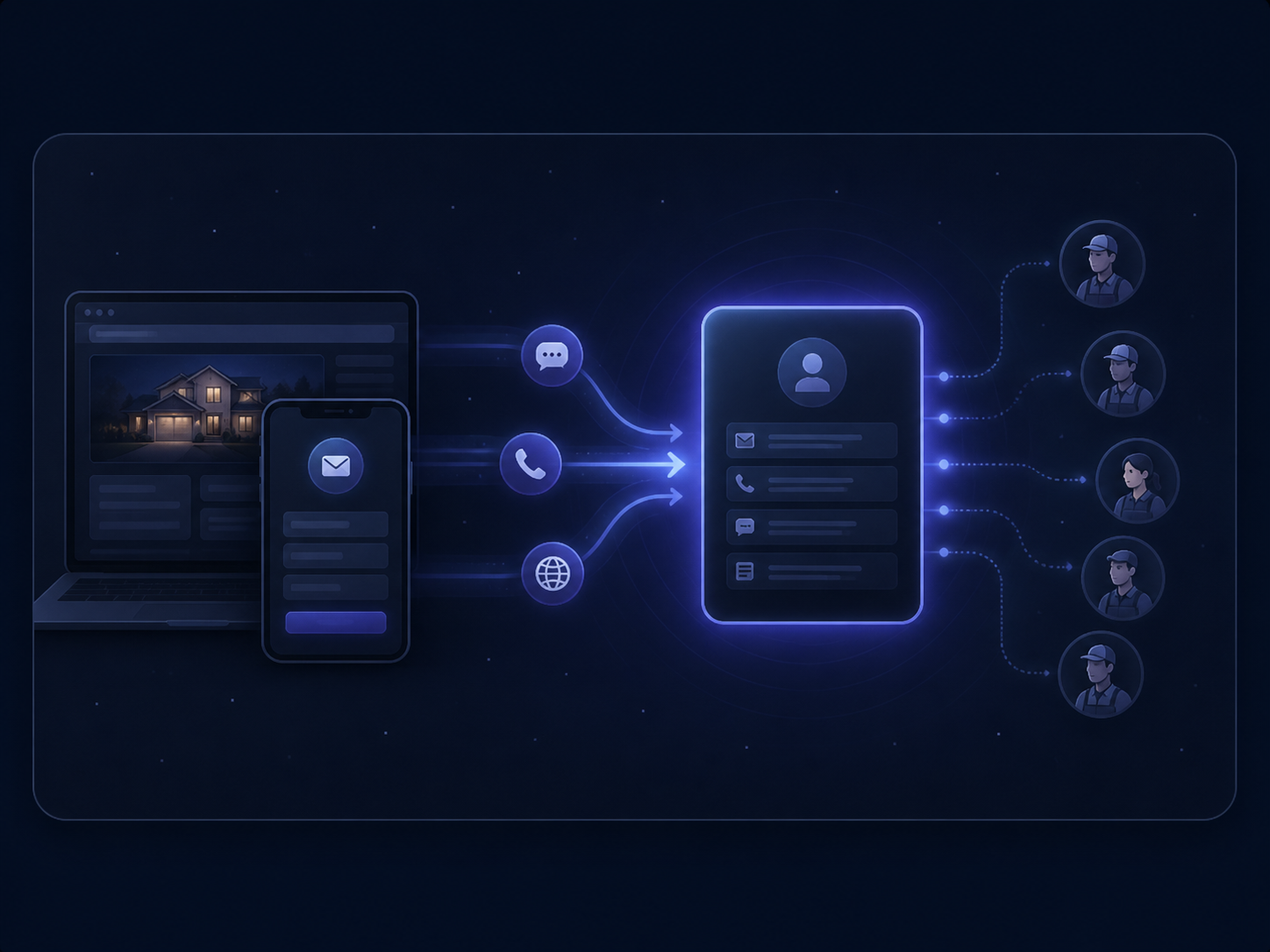
When someone submits a form, the right details flow into a record your team can find again.
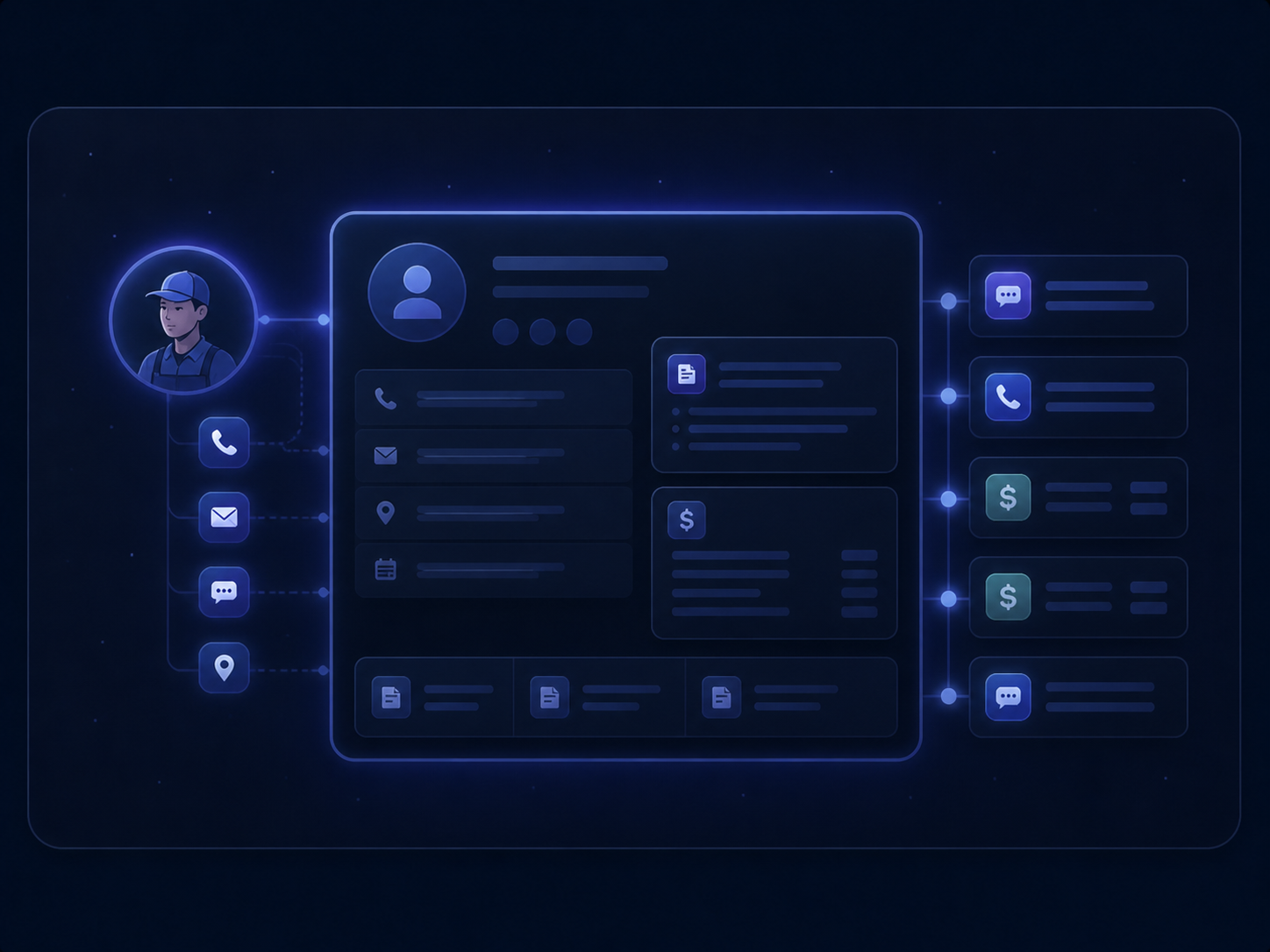
Keep contact details, notes, quote history and previous conversations together without creating a maze of tabs and jargon.
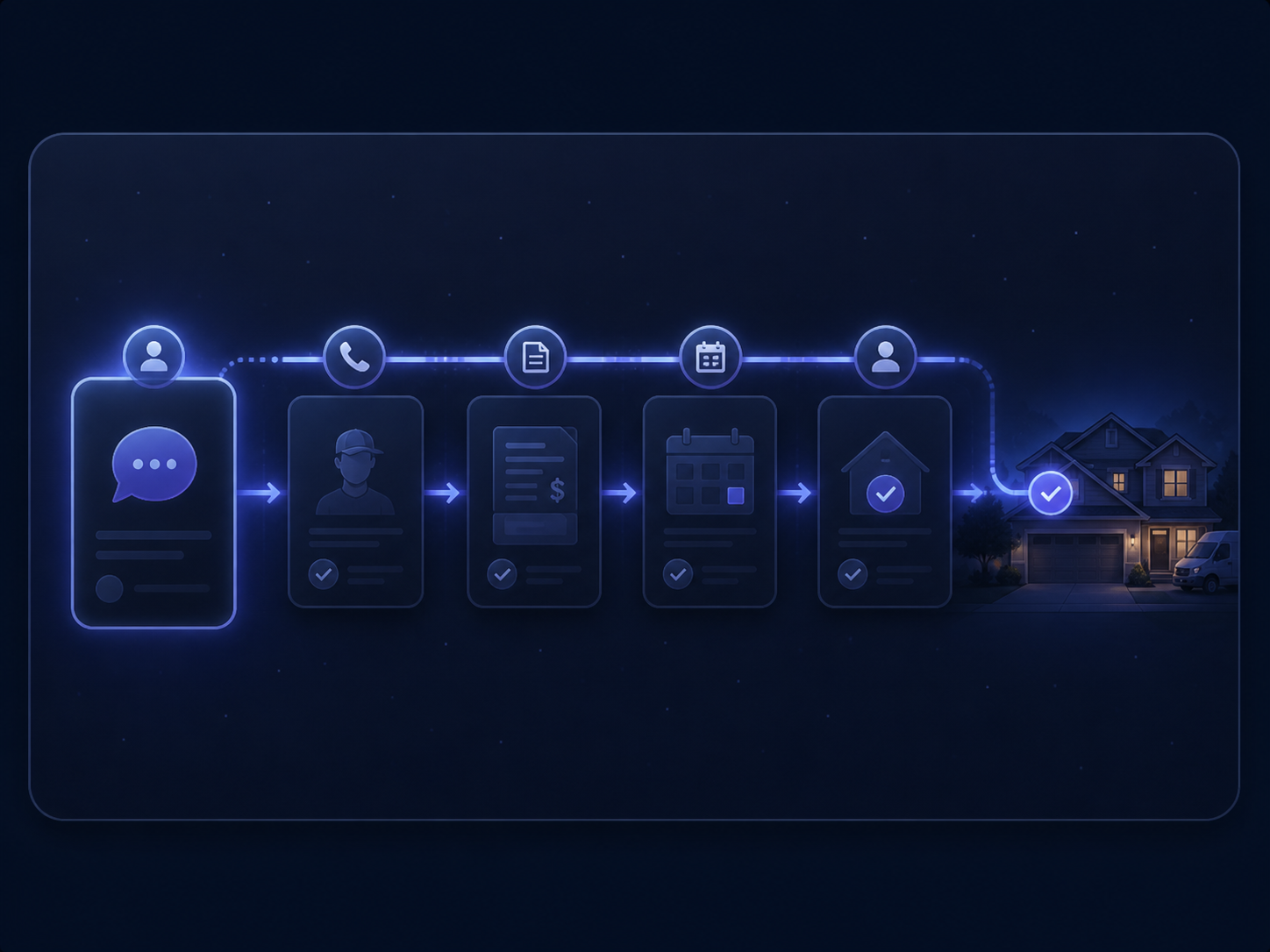
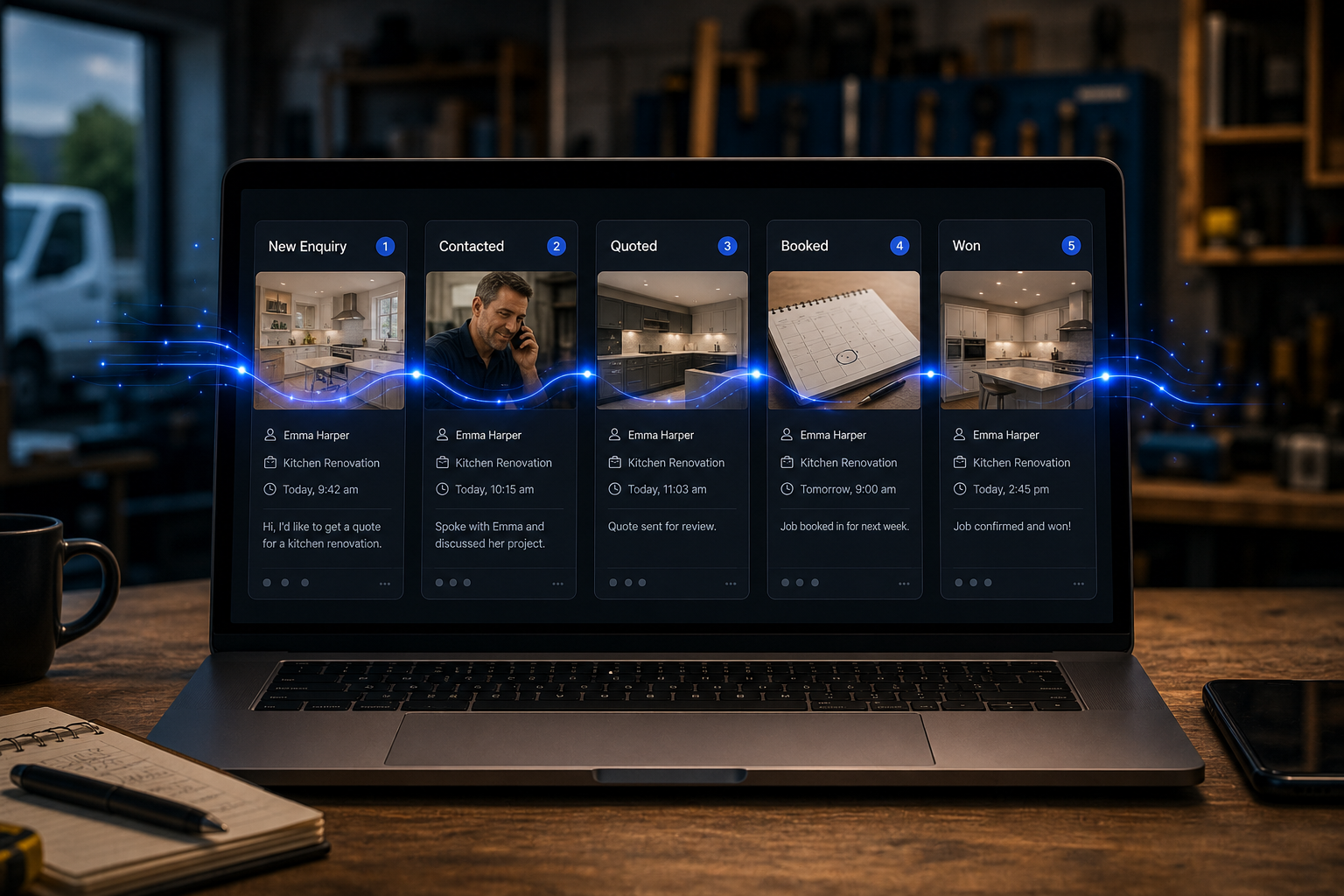
Track each enquiry through clear stages such as new enquiry, qualified, quoted, won or lost, with dates and owners.
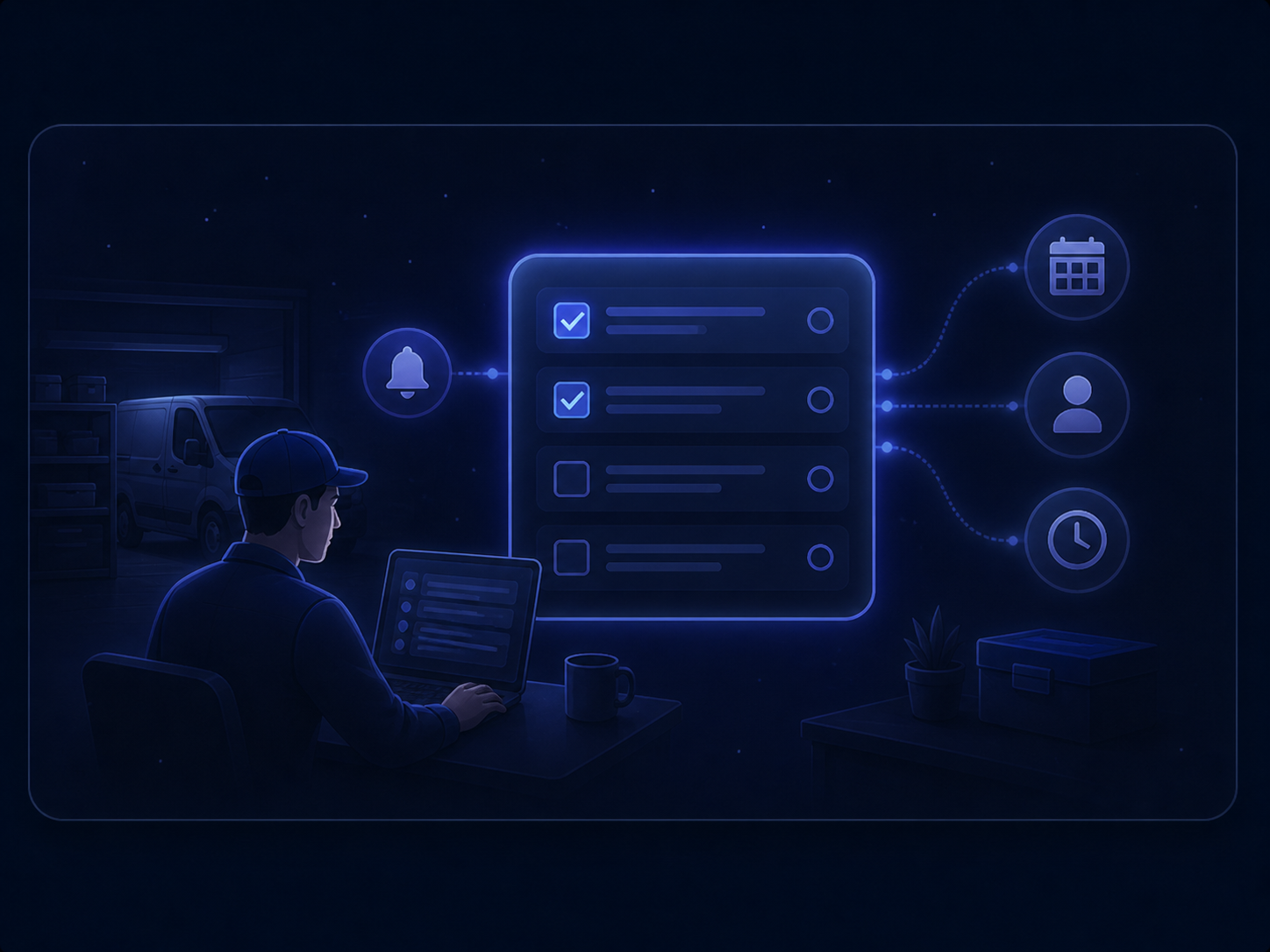
Give each enquiry a dated next action so follow-up stays visible instead of buried in an inbox.
A website form is only the start. The value comes from turning each enquiry into a record, a next action, and a clear view of what happened next.

A customer fills in your website form or requests a call, giving you the details needed to handle the enquiry properly.

The right person is alerted when a new enquiry arrives, so it does not sit unnoticed in an inbox.
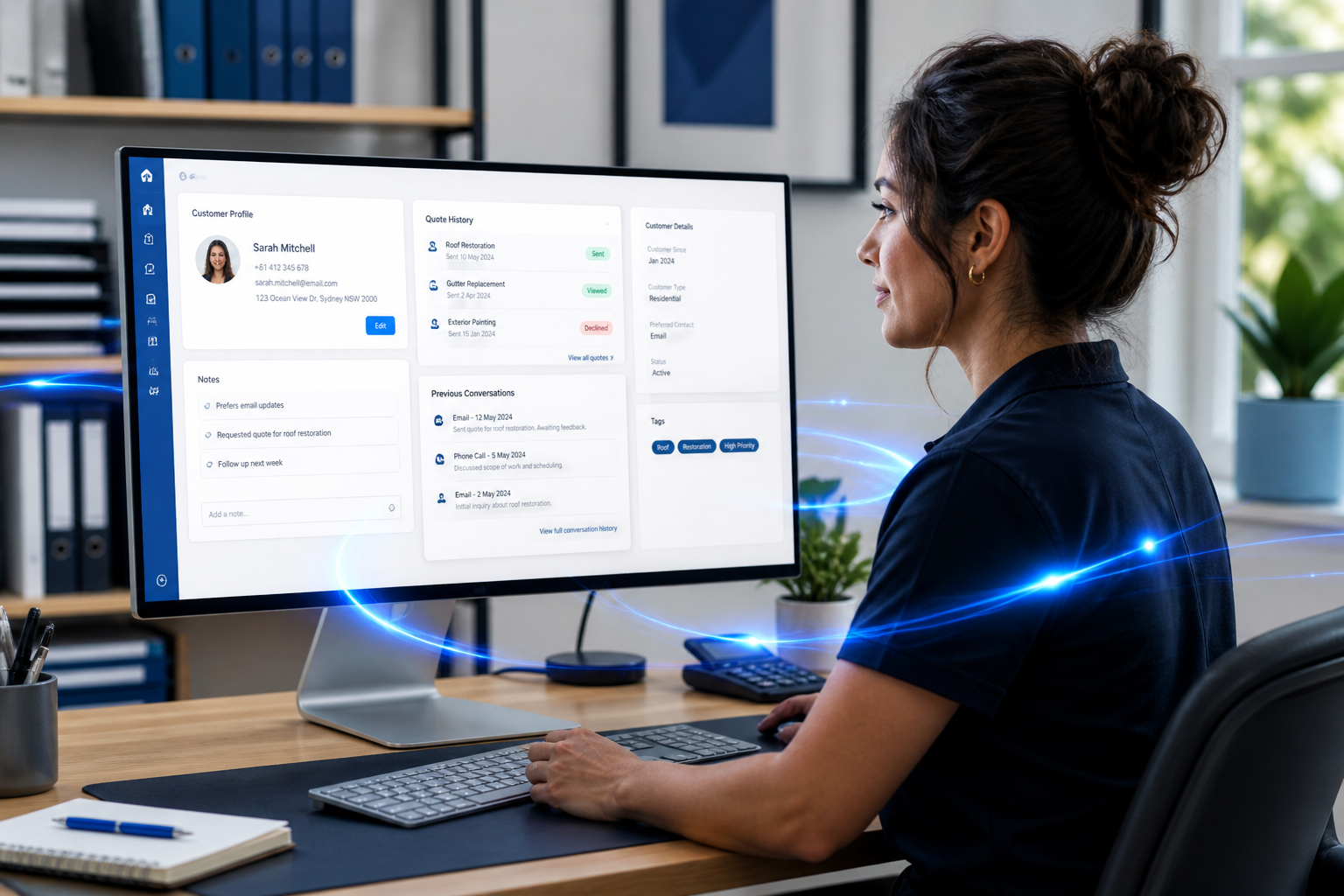
Customer details are saved into one clear record, so your team can see who got in touch, what they need, and what has already happened.

A next step is assigned, such as a call, visit, quote or reminder, so follow-up is easier to manage.

You can see what is new, what is being worked on, what has been won, and where follow-up is still needed.
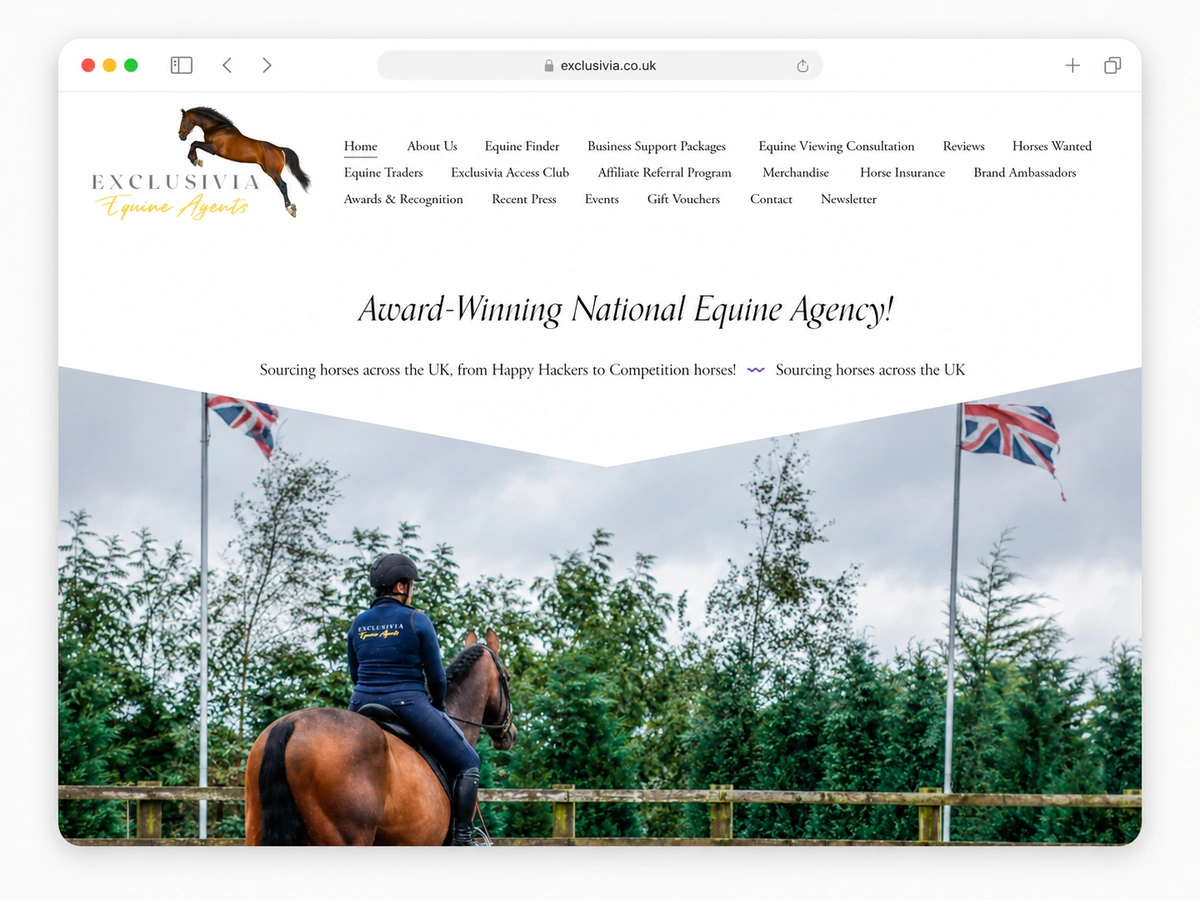
A recent Studio project connecting website enquiries into a clearer Customer Relationship Management workflow for a specialist equestrian business.
5-star client feedback
Exclusivia
Forms + CRM integration
Intelixa helped turn our website enquiries into a more organised follow-up process by connecting the forms into CRM.
Website enquiry forms connected into a Customer Relationship Management (CRM) process for clearer routing from first contact to follow-up.

Decide which inboxes, people and tools count as “your team” for a new enquiry, so the right person can see it and act.
Real-life example A website enquiry for a boiler repair goes to the office first, then to the engineer covering that area, instead of sitting in a shared inbox.
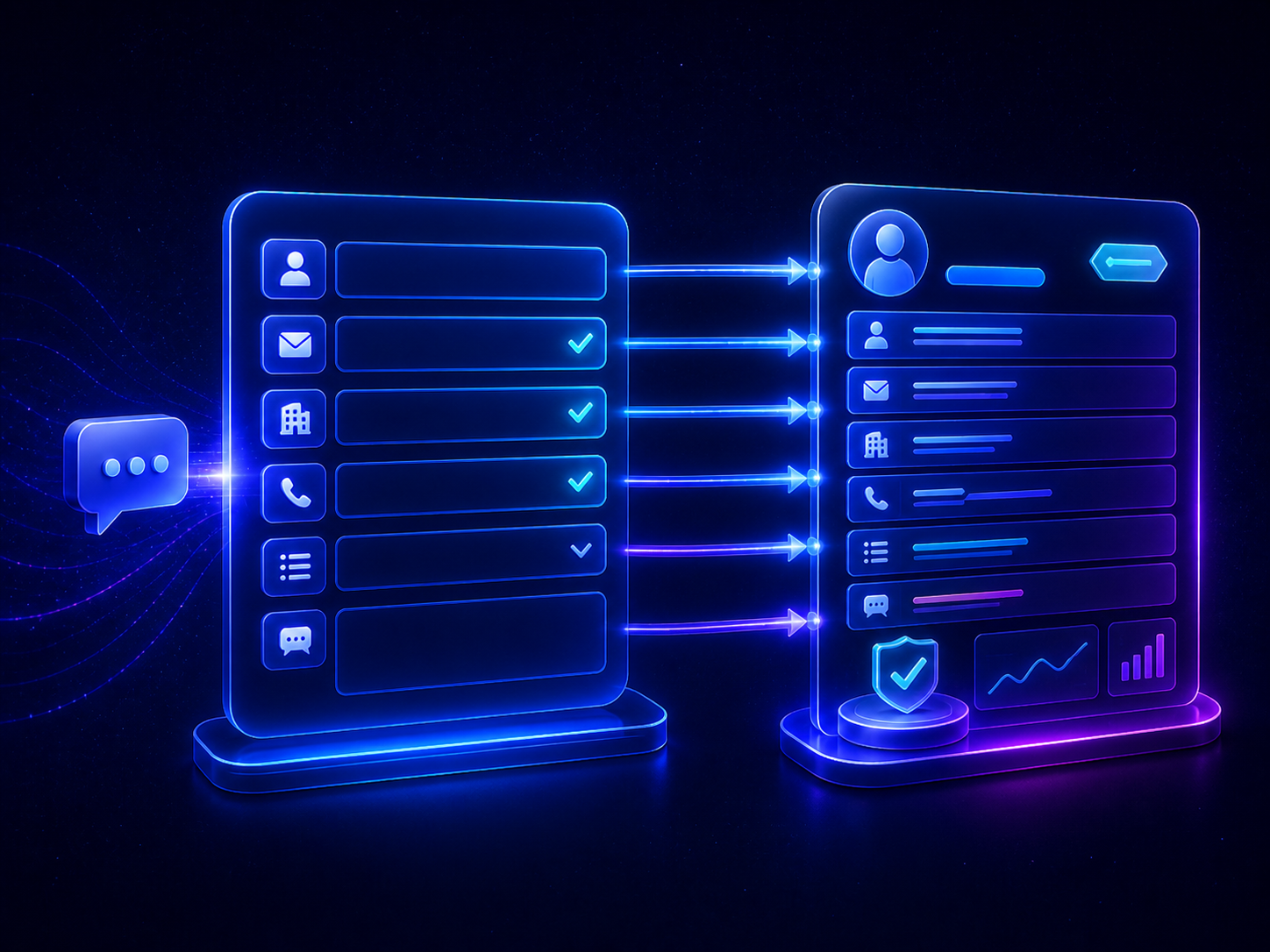
Make sure the form and the CRM record capture the same useful facts, such as name, phone number, service needed, location, timeframe and how they heard about you.
Real-life example Every quote request arrives with the customer’s postcode, service type and preferred contact method, so nobody has to chase the basics.
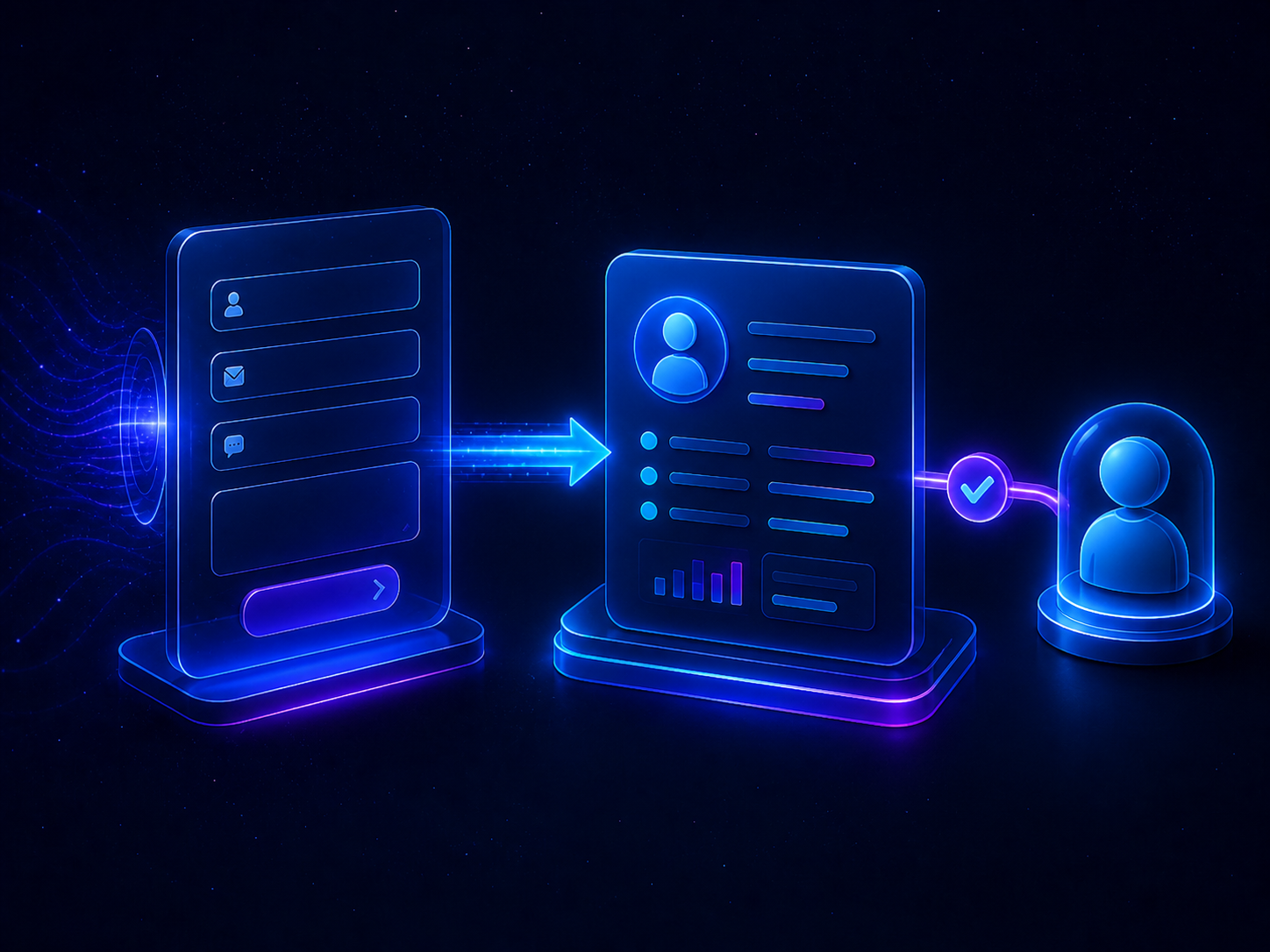
Create a clean handoff from submit to a record someone owns, without turning it into a software project in its own right.
Real-life example When a customer requests a site visit, a CRM record is created automatically and assigned to the estimator.

Start with a clear view of open enquiries, who owns them and what stage they are at, rather than trying to build a full reporting suite on day one.
Real-life example On Friday afternoon you can quickly see what is waiting for a callback, what has been quoted, and what still needs a next step.
Not every business needs the same level of CRM work. These guide prices show the common routes, depending on whether you already have a website, already use a CRM, or need both joined together.
For businesses with a website already in place.
Connect an existing enquiry form to a simple CRM record and agree who sees, owns and follows up each enquiry.
Best when: You already have a working website and want enquiries handled more clearly.
Discuss this routeFor businesses that already have a CRM, but it is not being used clearly.
Review fields, stages, ownership, reminders and simple reporting so the system reflects how your team actually works.
Best when: You already pay for a CRM but people still rely on inboxes, notes or spreadsheets.
Review my setupFor businesses that need a new or improved website and a simple CRM process built together.
Create the enquiry path, website form, CRM record, stages, ownership and handover as one joined-up setup.
Best when: You want the website and follow-up process designed together from the start.
Plan this projectFor businesses that want help keeping forms, records, reports and follow-up working properly.
Light monthly support for small changes, checks, improvements and questions.
Best when: You want practical support after launch without hiring someone internally.
Ask about supportFinal scope depends on your current website, CRM choice, forms, data, users, integrations and training needs.
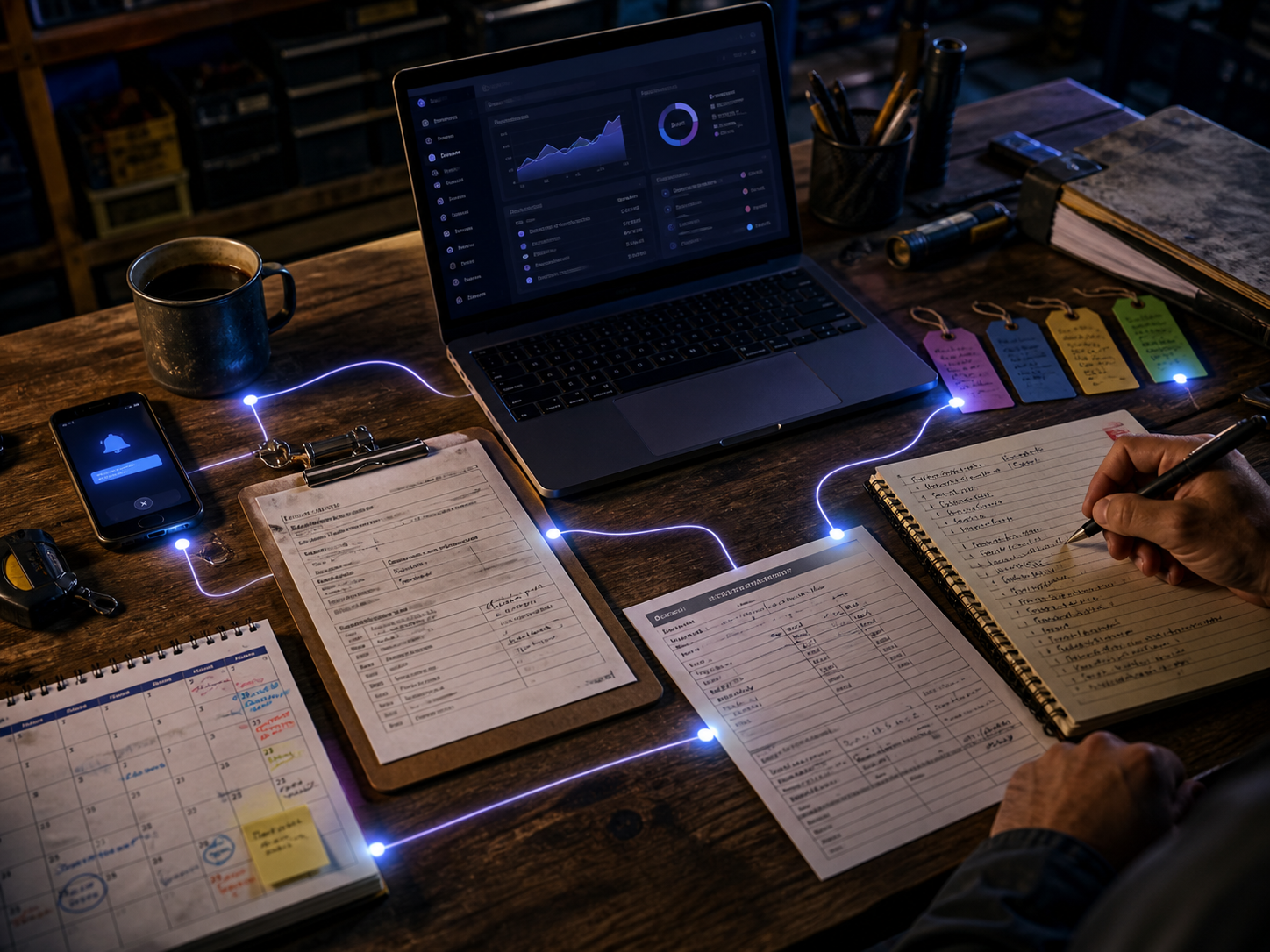
A shared inbox can help you receive enquiries, but it is not a reliable way to manage what happens next.
As more enquiries come in, it becomes harder to see who has replied, what was promised, which jobs still need a quote, and which follow-ups are overdue. Important detail can end up spread across emails, notebooks, calls and memory.
A practical CRM gives you one shared place to manage that work properly. Each enquiry can have a clear owner, a visible stage, a next action and a history your team can refer back to. That means less chasing, less duplication, fewer missed follow-ups and a more organised path from first enquiry to won work.
The value is not in adding complexity. It is in making day-to-day work clearer, more visible and easier to manage.
A practical CRM setup is usually not about adding more admin. It is about making the work already happening easier to see, own and follow up.
Nobody is sure who replied, what was promised, or whether the lead has gone cold.
What changesEach enquiry has a visible owner, stage and next action.
“Someone should call them” is not the same as a named person being responsible.
What changesFollow-up is assigned to a person, not left floating in a conversation.
Emails, texts, notebooks and memory all hold different parts of the customer story.
What changesThe customer record keeps the important history in one place.
Website forms, phone calls and messages get handled differently unless the source is named clearly.
What changesSource, service type and enquiry stage can be tracked from the start.
Intelixa is not tied to any CRM brand or software supplier, so we can shape the setup around how your business actually handles enquiries, records, follow-up and reporting.
How enquiries arrive, who owns follow-up, what needs recording, and what your team will actually keep up to date.
Why it matters
If it does not match real behaviour, people drift back to inboxes, notes and memory.
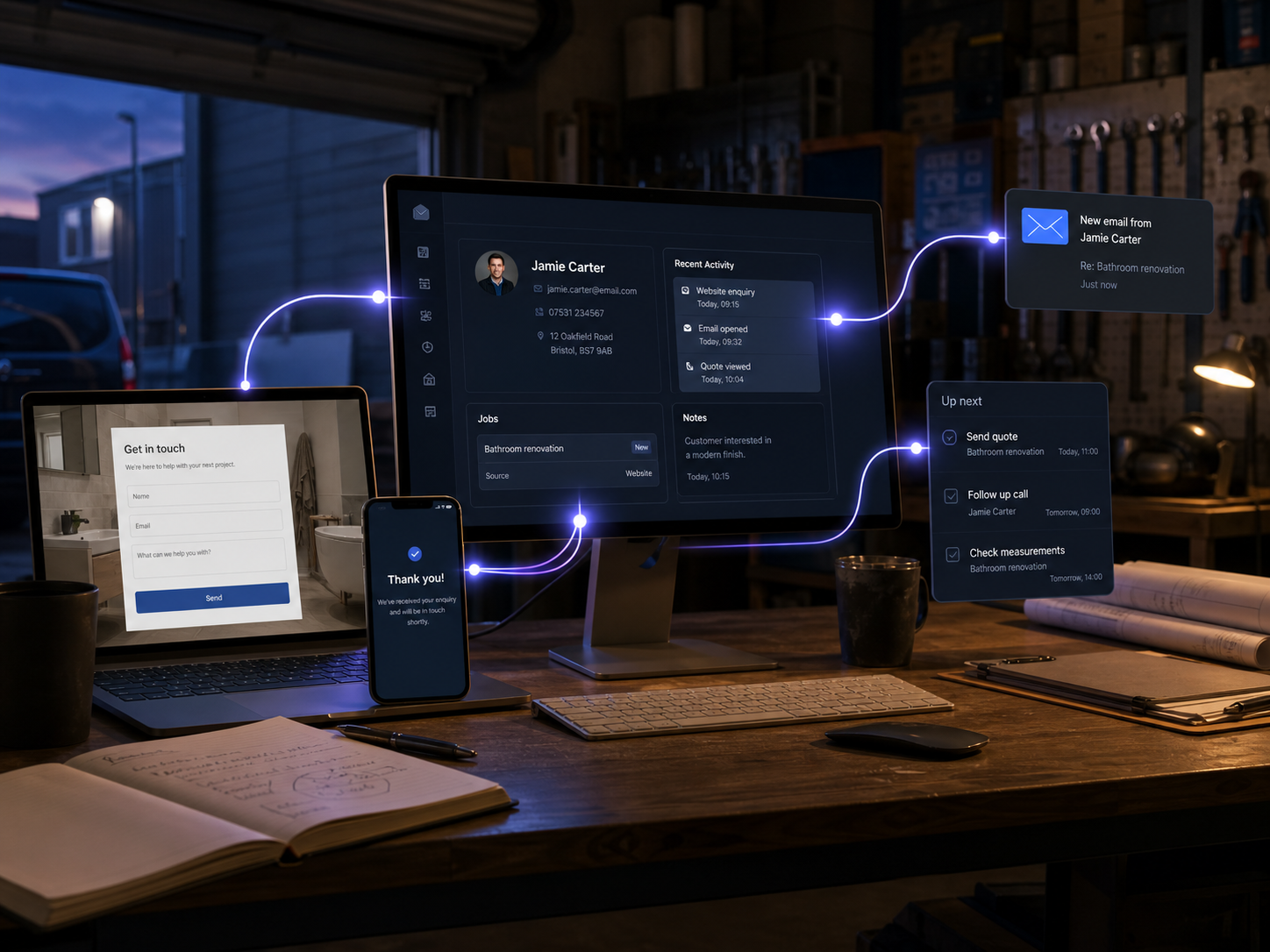
Website forms, customer records, notifications, simple stages, tasks, reminders and reporting that is easy to read.
Why it matters
The handoff from enquiry to follow-up is where detail is most often lost.
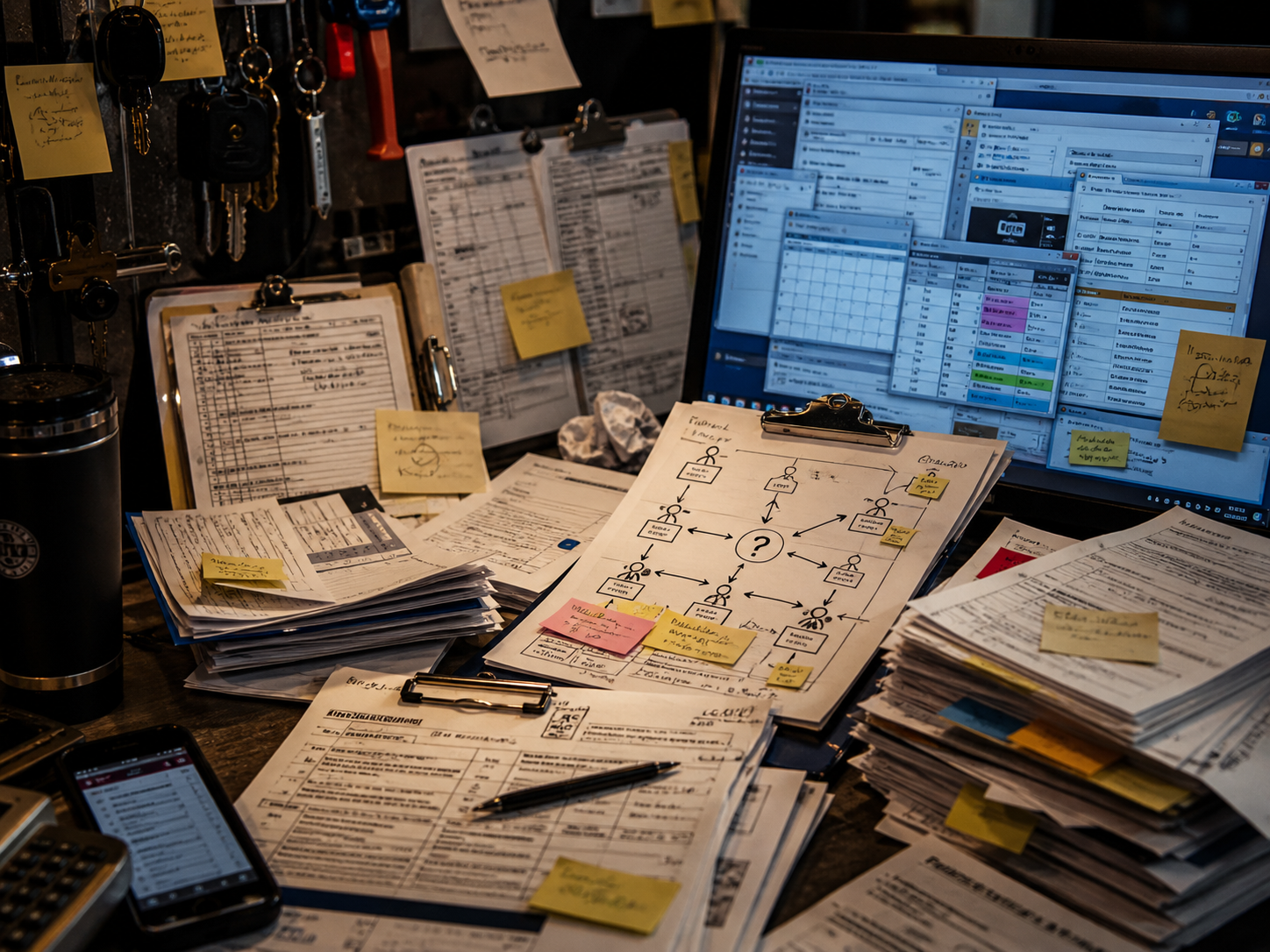
Overbuilt systems, unused fields, brittle automation and setups that only one person understands.
Why it matters
Extra fields and clever automation only help if they make the work clearer.
No. Sometimes better form wording, clearer ownership, and a simple follow-up routine are enough. We will tell you if CRM is not the right first step.
When someone submits a website form, their details can create or update a customer record, notify the right person, and set the next action.
No. The aim is a setup you can run day to day. Ongoing support is optional, and only makes sense if it saves time or keeps the system working properly.